
Photo delivery for photographers
Send a photo shoot
in one private link.
Share proofs, get your client’s favourites and deliver the full-resolution photos from the same gallery. One link from first look to final files.
No card to start. Your client doesn’t need an account.
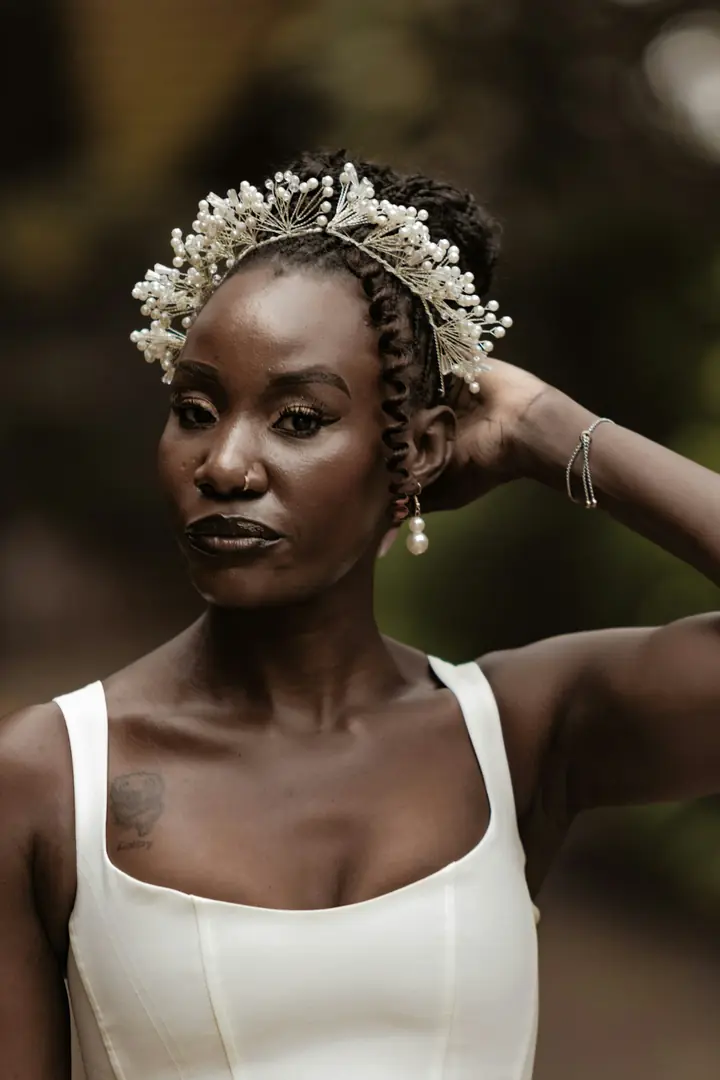
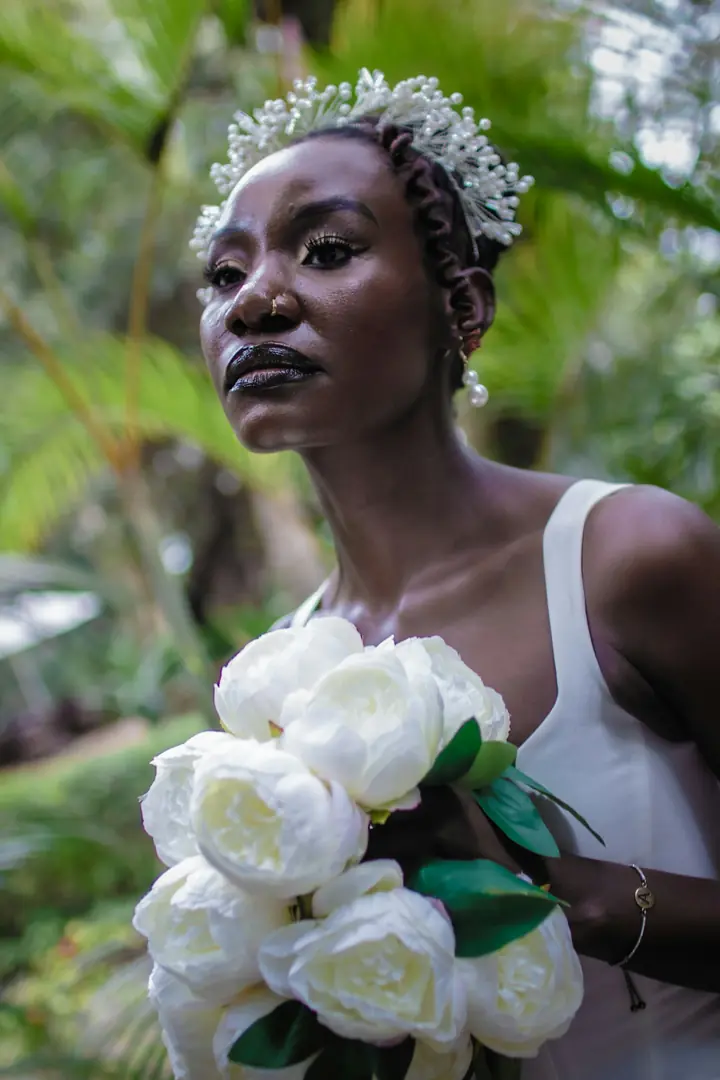
Example gallery
Adaeze · Bridal portraits

How it works
From a folder of files
to a finished delivery.
Start with proofs or go straight to finished images. The gallery your client opens is the same one you update.
- 1
Upload the photoshoot
Add your proofs or edited set as JPG, PNG or WebP. SendShoot builds fast previews and keeps the original files available for delivery.
Upload JPEG, PNG or WebP - 2
Send a private link
Share one gallery URL and a four-digit passcode by email or message. Give clients a QR card in person if that works better for your shoot.
Gallery link and passcode - 3
Collect picks and notes
Ask the client to choose their favourites if the shoot includes proofing. They can leave retouching notes on individual images.
Selections with per-photo notes - 4
Deliver finished files
Upload the retouched images under the original filenames so SendShoot can match them. Clients return to the same link for full-size downloads.
Finals in the same gallery
Client experience
One handoff, even when there’s another edit.
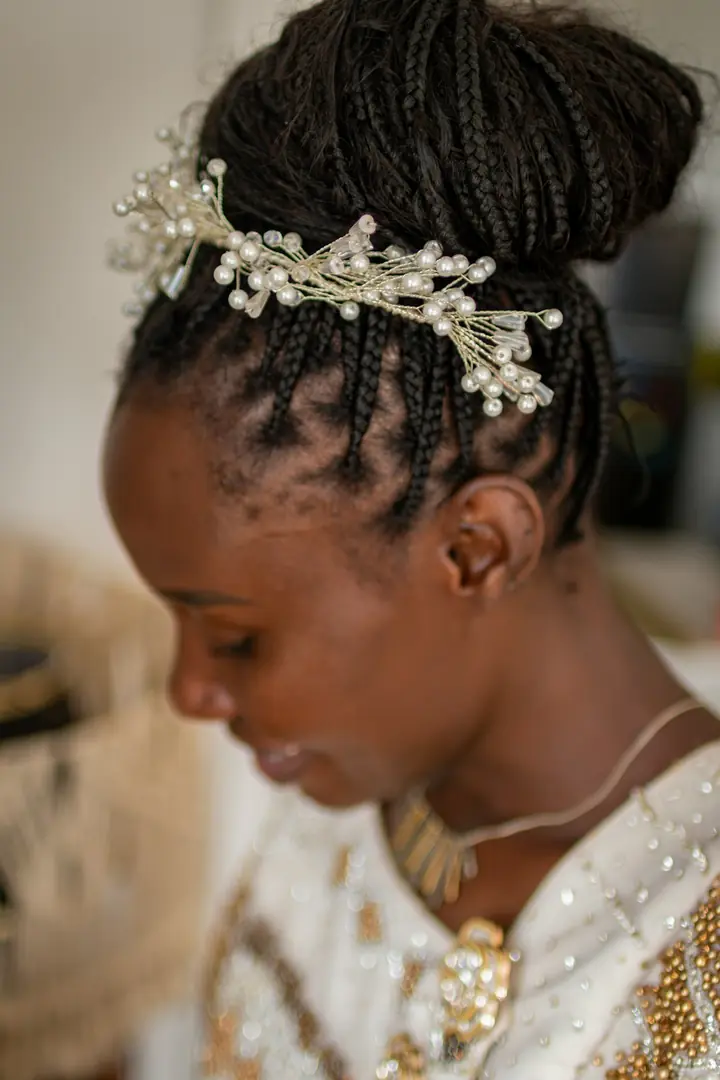
A wedding or brand shoot often has more than one round. With client selections and per-photo notes in the gallery, you can see what to edit and put the finals back where your client expects to find them.
- Private sharing with a gallery link and passcode
- Full-size downloads and gallery ZIPs
- Share by email, message or printed QR card
Pricing
Try it on your next shoot.
The free plan includes delivery and proofing. Upgrade on SendShoot as your archive grows.
Frequently asked questions.
How do I send photos from a photo shoot to a client?
Upload your JPEG, PNG or WebP files to SendShoot. Share the private gallery link and four-digit passcode by email, text or QR card. Your client opens the gallery in their browser and can download the files you have made available.
Can clients pick their favourites before I retouch the photos?
Yes. When you ask for picks, clients can select their favourites and leave a note on an individual photo. SendShoot turns those selections into an editing checklist. Keep the same filenames when you upload the finals so they can be matched to the proofs.
Can I send a finished photoshoot without asking for selections?
Yes. If the images are already edited, skip proofing and share the gallery for download. Clients can download originals at the quality you uploaded or download the available files as a ZIP.
Does my client need an account?
No. The gallery opens in a mobile or desktop browser. Clients enter the passcode you sent them and can then use the gallery without creating an account.
Is SendPhotoShoot a different account?
No. SendPhotoShoot is part of SendShoot. The dashboard, account, galleries, sharing and billing all use your existing SendShoot account at sendshoot.com.
Is there a free plan?
Yes. The free plan includes photo delivery and proofing. The limits are listed under Pricing, and you can review the current monthly and yearly plans on SendShoot.
Ready to send the shoot?
Create the gallery on SendShoot and share it with your client whenever it’s ready.
Start free on SendShoot